


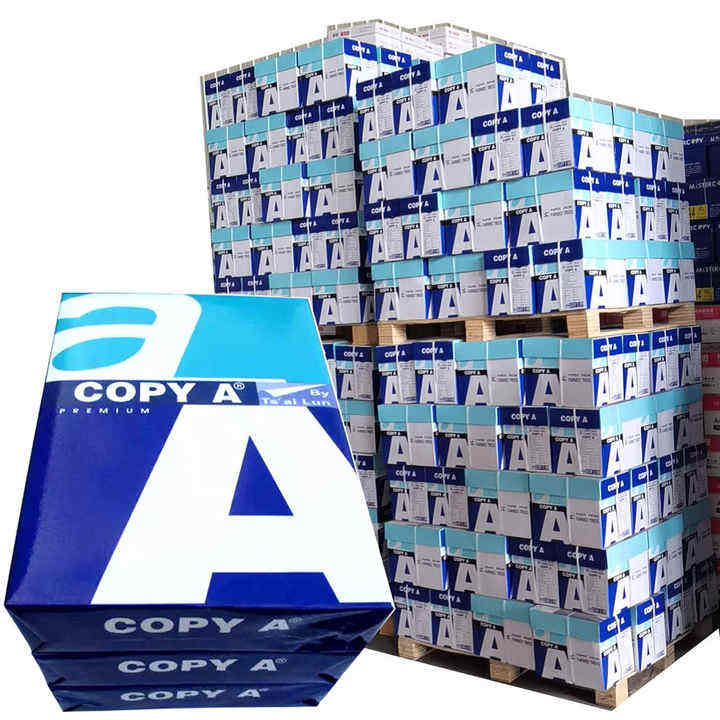

Plan mixed A4 paper weights for office departments around document use and printer compatibility, not department titles alone. Start with one approved routine grade, then add a second grade only when a defined job justifies it. Grammage in grams per square metre (gsm) describes mass per area; it does not guarantee thickness, colour quality or printer suitability. Confirm each printer’s supported media route and keep packs, trays and inventory labelled. Give finance, administration and presentation users clear rules for which stock to load. A small approved range with separate records is usually easier to control than many similar white papers that staff cannot distinguish.
An office may need different A4 stocks for different jobs, but unnecessary variation can create wrong tray selections and hidden surplus. The useful question is whether an extra grade improves an identified output enough to justify separate stock.
Review the A4 copy paper choices alongside the actual document requirements. This guide does not assign a mandatory grammage to any profession or claim that a heavier grade always prints better.
Key takeaways
- Select paper for the document and equipment rather than the department name.
- Add a grade only when a defined job and trial support it.
- Keep paper weights in separate inventory lines and labelled trays.
- Review slow-moving grades before replenishing the whole range.
Choose A4 paper weights by department use
A4 paper weights by department should reflect the documents people produce. Finance may print routine internal tables and occasional customer documents; both uses can exist in the same team. Avoid forcing one stock decision on every job in that department.
| Departmental use | Starting decision | What to verify | Reason to add another grade |
|---|---|---|---|
| Administration and internal notes | Trial one routine approved grade | Text readability and equipment support | A distinct output need remains unmet |
| Finance and printed forms | Trial the routine grade with actual forms | Small numbers, table rules and handling | A defined form requirement justifies it |
| Customer presentation documents | Compare routine and proposed presentation stock | Visual output and supported settings | Trial shows a useful difference |
| Training handouts | Evaluate the actual finished packet | Readability and finishing route | Current stock does not meet the packet need |
| Specialty document work | Write a separate specification | Media type and equipment route | The job needs specialty stock |
Keep the routine grade if it meets the defined requirement. An extra paper weight should solve a documented job problem, not simply make the stationery list look more complete.
The HP media table for named LaserJet models separates supported paper types and weight categories (undated, accessed 2026). That illustrates why a department plan also needs the equipment route.
Check mixed A4 paper weights against each printer
Mixed A4 paper weights need a compatibility check for every relevant printer, tray and finishing route. A machine can support a paper through one path while placing different limits on another path.
Read the model manual and record the permitted size, type and weight information for the route you will use. HP’s media specifications for the named M433/M436 family and related models provide model-specific tray and paper-type details (undated, accessed 2026). Do not apply those details to an unrelated fleet.
For a hypothetical plan, an office might compare 80 gsm routine stock and a proposed 100 gsm presentation stock. Those numbers are examples, not automatic recommendations. Both candidates must fit the actual equipment and produce acceptable output in the intended job.
Do not use gsm as a thickness guarantee. Ask for product information and run the relevant trial when stiffness, finishing or feed behaviour matters. A label that shows the right mass per area cannot alone establish all those properties.
Create a mixed A4 paper plan step by step
A mixed A4 paper plan should leave staff with a short approved list and clear loading rules. Purchasing, facilities and the departments using the paper should share the same grade names.
- List the recurring document jobs and their actual printer routes.
- Choose a routine candidate that can meet the common requirements.
- Identify any job that needs a separate candidate and write its reason.
- Check equipment compatibility and run a documented trial for each proposed use.
- Approve the smallest practical range and label its packs and tray settings.
- Record consumption by grade and review exceptions before adding more stock.
Assign one code to each approved paper description. Do not call two different products “premium A4” if staff need different settings to use them. Keep a named alternative pending until it has passed the relevant checks.
Where printers have dedicated trays, map the approved stock to the correct tray and driver choice. Where one tray is shared, give operators a loading check so a presentation pack is not mistaken for the routine reserve.
Control stock and costs across office departments
A departmental paper plan needs separate stock and cost records for each approved grade. That makes it possible to see whether a second grade is used for its intended job or quietly becoming the default for routine work.
Use a worksheet with grade code, product description, gsm, approved jobs, printers and trays, default setting, pack count, location, monthly sheets used and responsible department. Add a trial reference and review date for each extra grade.
For a hypothetical two-grade office, track routine and presentation consumption separately for a reporting period. If presentation stock moves slowly, review the order size before replenishing. Do not transfer it into another printer solely to reduce inventory without checking its approved use.
Compare cost per acceptable job as well as pack price. A heavier sheet has more theoretical mass at the same size and count, but its commercial price and output suitability require separate evidence. No cost saving follows automatically from reducing gsm.
The paper application information can help frame those job categories. Keep the broader paper product catalogue separate from the short approved office list so exploratory products do not become accidental stock standards.
Frequently asked questions about mixed office paper weights
Does each office department need its own grammage?
No. Several departments may share one approved grade. Add a separate weight only when the actual document and equipment requirements justify it.
Is heavier A4 paper always better for colour printing?
No. Surface, paper type, printer technology and settings also affect output. Compare the proposed grade in the real colour job instead of relying on gsm alone.
Can mixed paper weights be loaded together in one stack?
Keep each approved grade identifiable and load according to the printer instructions. Mixing grades makes the appropriate settings and any later fault harder to trace.
Should presentation paper become the office default?
Only if it meets the common requirements and the cost decision supports that use. A successful presentation trial does not automatically justify using it for every internal page.
When should the approved paper range be reviewed?
Review it when printers, jobs or consumption change. Also review recurring wrong-stock loading and slow-moving grades before increasing the assortment.
Keep the approved A4 range small and clear
Use mixed A4 paper weights only where the job requirement, equipment support and trial result justify the added grade. Keep names, trays and inventory records aligned. Send the required jobs, candidate grammages, pack format and destination through the paper sales contact form to discuss the proposed range. Confirm the product details before updating your office’s approved stock list.