


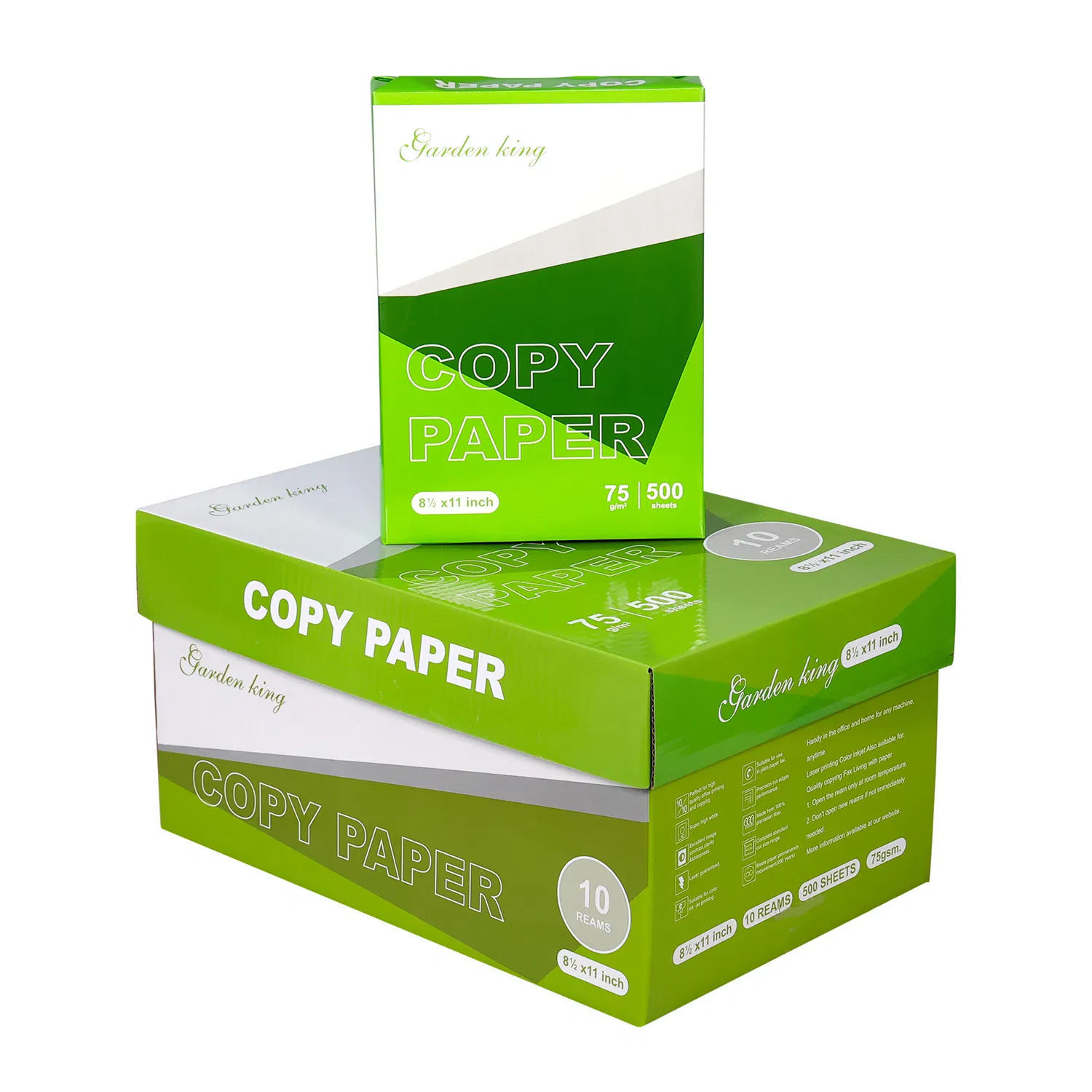

A4 paper smoothness can affect how evenly a printer transfers the image and how reliably sheets move through its feed path. For a laser printer, an overly rough surface can interfere with toner contact and fusing; an unsuitable very smooth surface can also cause problems. The right surface is the one supported by your equipment and confirmed by a sample trial. Ask for the test method whenever a supplier gives a smoothness or roughness figure. Bendtsen readings and Sheffield values aren’t interchangeable labels. Compare like-for-like data, use correct media settings and inspect your actual text and fills before approving an office paper grade.
Smooth paper feels attractive in the hand, but touch isn’t an acceptance test for a printer. A purchasing decision should answer whether the surface produces the required output without introducing handling problems.
This guide focuses on uncoated office copy paper. Specialty photo media and coated commercial print stock require their own equipment guidance and shouldn’t be substituted simply because the surface feels polished.
Key takeaways
- A smoother feel doesn’t always mean better printer performance.
- Surface data needs a method and units, not just a number.
- Judge image transfer and feeding as separate results.
- Compare the same file with the same machine settings.
What a paper smoothness value tells you
Smoothness or roughness data describes the surface under a particular measurement method. It is useful only when the reported number can be interpreted in that method’s terms.
ISO 8791-2:2013, published in 2013 and accessed in 2026, defines the Bendtsen method for paper roughness. Its scope refers to airflow measurements and method limitations. A result labelled Bendtsen therefore shouldn’t be treated as the same numerical scale as a Sheffield reading or a time-based smoothness result.
Ask the supplier for the complete field: property, result, units, method and grade reference. If the offer says only “ultra smooth,” use that description to request a sample rather than to rank technical performance.
How A4 paper surface can affect printed output
Paper surface can affect the appearance of small text and solid or grey areas, but a visible defect may also involve the machine, consumables or settings. Inspect the evidence before blaming the sheet.
Lexmark’s E350 user guide, an undated manufacturer manual accessed in 2026, explains that overly rough paper can impair toner fusing and overly smooth paper can cause feeding or quality issues. Its recommended ranges belong to that printer, not to every office device.
The buying implication is to match the surface to the intended process. A grade that gives even toner on one laser printer may need a separate trial for an inkjet workflow. Avoid transferring a model-specific surface recommendation into a universal tender specification.
Compare surface choices against useful checks
A surface comparison needs printed evidence and handling observations. The table helps organise that trial without assuming that rough, smooth and glossy represent a simple quality ladder.
| Candidate description | Potential issue to inspect | Test area | Purchasing response |
|---|---|---|---|
| Rough-feeling uncoated sheet | Uneven image contact or texture visibility | Grey fills and small text | Check supported surface data and output |
| Smooth uncoated office sheet | Suitability for the intended feed path | Repeated ordinary pages | Approve grade-specific sample |
| Very slick or coated sheet | Wrong process or media setting | Compatibility check before trial | Consult manual, don’t assume copy-paper use |
| No surface information | Unclear comparison basis | Datasheet plus sample | Request method and units |
Choose acceptable output with reliable feeding. Don’t purchase the lowest roughness value from an unidentified test merely because it sounds more refined.
Shortlist A4 copy paper candidates and compare their confirmed properties with the requirements of the receiving printer.
How to run a surface-focused print trial
A surface-focused trial keeps document content, printer and setup consistent. It should reveal whether the candidate changes output without turning into a general guess about brand quality.
- Confirm compatibility. Read the manual’s paper types and any surface guidance for the exact machine.
- Label each sample. Record grade, gsm, size and the stated smoothness method if available.
- Prepare a diagnostic document. Include ordinary small text, thin lines and a moderate grey fill representative of your work.
- Use the correct media type. Follow the printer instructions rather than increasing print density to conceal a defect.
- Inspect the same areas. Compare text edges, fill consistency and unwanted texture in matching light.
- Record feeding separately. Note double feeds, jams or unusual curl without assuming a surface cause.
- Investigate an unexpected result. Check another pack or a known-good reference and review the printer before rejecting the grade.
Treat this as an application trial, not a formal roughness measurement. Describe your normal process through the paper printing solutions page when requesting a suitable candidate.
Build a brief that distinguishes a surface defect
A useful supplier brief describes the observed defect, the device and the available test information. “Grey fills show visible unevenness on this printer” gives a clearer starting point than “the paper isn’t smooth enough.”
Attach the original printed sample or a sharp photograph of the specific area. Include printer model, media setting, consumable status and whether the problem also appears on an approved reference paper. Avoid using an edited image that makes tiny variations impossible to interpret.
For an illustrative repeat-order checklist, record the grade reference, surface method, agreed limits if any, approved print sample, acceptable paper type and substitution rule. If the supplier cannot confirm a smoothness value, state that honestly and use the sample agreement for the current decision.
Keep surface expectations separate from opacity and shade. A smooth sheet can still have distracting reverse-side show-through, while a paper with adequate hiding may give a different fill appearance. The brief should identify which result needs improvement.
Frequently asked questions about paper smoothness
Is the smoothest A4 paper always best?
The smoothest-feeling paper isn’t always best for every device. The feed path and printing process have their own requirements. Use a grade supported by the manufacturer and confirm its output with a trial. Don’t trade reliable handling for an unmeasured tactile preference.
Are Bendtsen and Sheffield values directly comparable?
Bendtsen and Sheffield values shouldn’t be treated as interchangeable numerical scales. Request the named method and units for both offers. If the datasheets use different methods, ask for comparable information or assess the real application samples without inventing a conversion.
Can surface roughness cause patchy toner?
Surface roughness can contribute to uneven toner results, but patchy output doesn’t identify one cause. Check the device, consumables and settings as well as the sample. A comparison with an approved reference sheet helps show whether the issue follows the new grade.
Does good laser output prove inkjet suitability?
Good laser output doesn’t prove the same grade is suitable for your inkjet job. The image-forming processes differ. Use the printer’s supported media guidance and test the ink coverage and drying behaviour required by the actual document rather than carrying over the laser approval.
Can I specify smoothness by touching a sample?
Touch can reveal an obvious texture difference, but it doesn’t produce a measured specification. Use it for screening, then request a method-specific value if a numerical requirement matters. Keep a labelled print reference so the purchase decision includes the result users will see.
Next step: select a surface that works in the device
Choose A4 paper smoothness by matching comparable data with the intended print process. Send the observed defect, printer model and representative file description through the paper technical enquiry form. Approve image quality and feed performance together before committing to a new grade.