


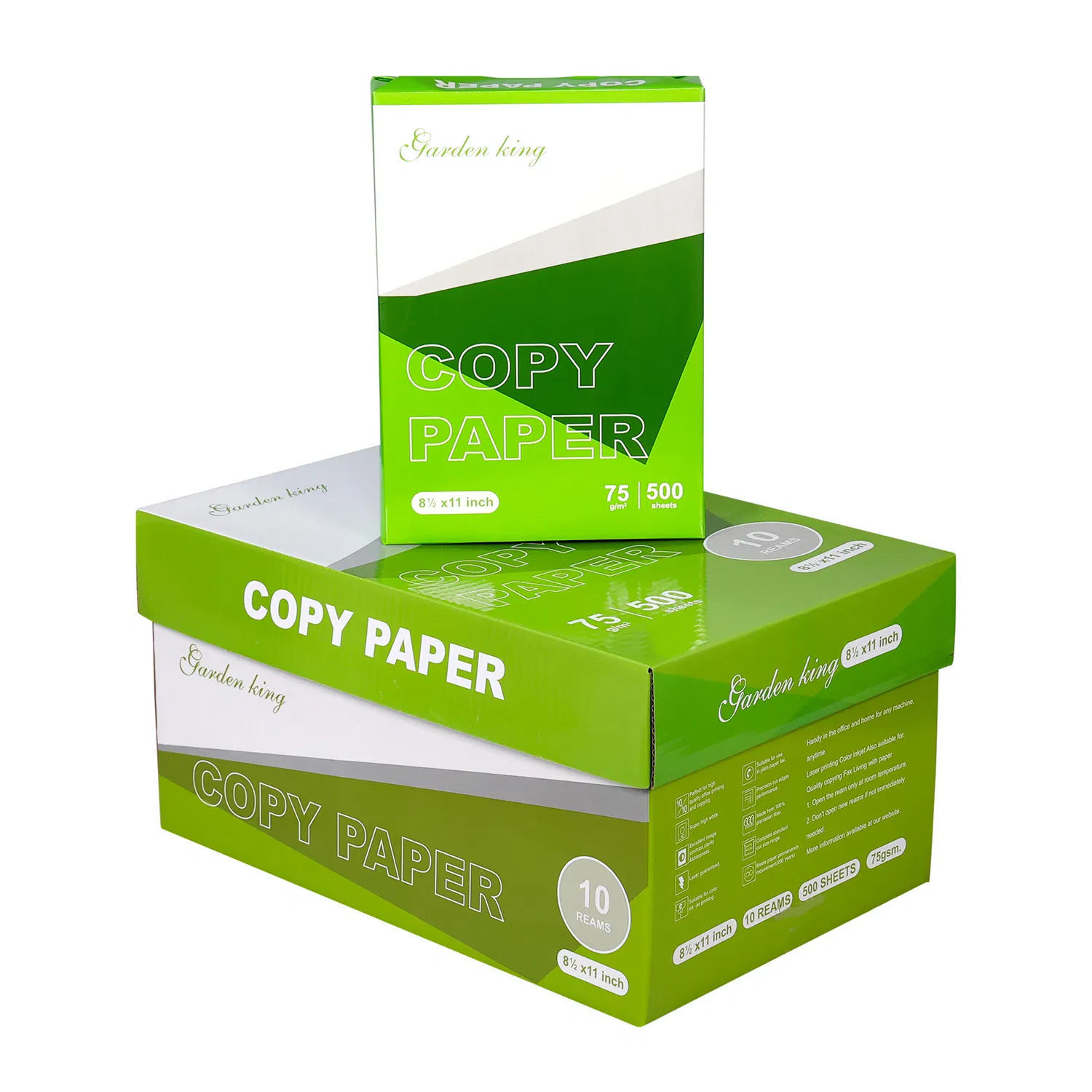

Choose A4 copy paper for offices by matching the paper to your printer manuals and the documents you print most often. Start with a suitable uncoated everyday grade for text, forms and ordinary copying, then test it in your main laser printer, inkjet printer and duplex workflow where applicable. Consider readable output, feed consistency, show-through, packing and storage rather than choosing by brightness alone. Keep photo printing or other specialty jobs in a separate paper plan if the equipment requires dedicated media. A simple task matrix helps you decide whether one confirmed multipurpose grade will work or whether your office needs an everyday stock plus a smaller specialist stock.
Office paper choices become confusing when one purchasing line is expected to cover every document. A routine invoice, a two-sided report and a photo-rich handout may place different demands on the paper.
Start with the workload, then check the devices. This helps you avoid paying for features your routine jobs don’t need or buying a grade that your duplex path doesn’t support.
Key takeaways
- Inventory the printers and paper-dependent tasks first.
- Test the grade used for your largest recurring workload.
- Evaluate two-sided readability as a separate requirement.
- Keep specialty media labeled and separate from everyday stock.
Map the office tasks for your A4 copy paper
Office A4 copy paper should be selected around the work it needs to support. List routine text pages, copies, duplex reports and graphics. Add the printer model and tray used for each task so the purchasing description connects to actual equipment.
Use job records or a representative working period to identify the largest recurring use. You don’t need to assign precise percentages if you have no data. “Routine text is the main workload” is more honest than a made-up consumption breakdown.
The A4 copy paper range offers a place to shortlist grades. Choose a candidate with confirmed properties and ask about any missing specification rather than treating a product image as proof of compatibility.
Choose office copy paper with a task matrix
A task matrix makes your paper choice explainable to other departments. Give every job a minimum requirement and a simple trial check, then avoid applying the most demanding job’s preference to every sheet in the office.
| Office task | Main requirement | Trial check | Stock decision |
|---|---|---|---|
| Routine text and forms | Clear output and reliable feed | Print ordinary documents | Everyday approved grade |
| Frequent copying | Consistent handling and readable text | Copy a representative original | Everyday grade if trial passes |
| Two-sided reports | Acceptable reverse-side readability | Print both sides | Test as a separate requirement |
| Color charts | Readable labels and useful contrast | Print a typical chart | Everyday or separate approved grade |
| Photographs or coated-media jobs | Device-approved media | Follow model guidance | Keep dedicated media separate |
Decision: choose the simplest stock plan that passes your actual tasks. One paper is convenient only if it works on the devices and documents it will serve.
Xerox’s Nuvera Paper Guide, released in 2009, treats paper selection, handling and image quality together for its equipment. Apply that selection discipline to your own model’s manual rather than importing the Nuvera’s limits into your office.
Verify compatibility and two-sided readability
Compatibility for office paper is a device-specific requirement. Check supported sheet sizes, paper types, grammage ranges and two-sided restrictions in each important printer’s manual. A general “office paper” description doesn’t override those limits.
Show-through is the visibility of reverse-side printing through the sheet. It can make a dense two-sided report harder to read even if the paper feeds well. ISO 2471:2008 provides an opacity measurement method, while your document trial checks the practical reading result.
Don’t infer all performance properties from grammage. Papers with the same nominal weight can differ in surface, opacity or how they behave in your setup. Request relevant technical information and evaluate the candidate instead of treating a heavier sheet as an automatic upgrade.
If only a small department needs a more demanding report grade, test a separate stock for that task. Clear tray labels and paper issue instructions can prevent specialty paper from being consumed for routine drafts.
Run an office paper selection trial
An office selection trial should produce a decision you can repeat during the next purchase. Test the everyday candidate on the representative workload and retain any exceptions.
- Record the fleet. List the main printer models, trays and automatic duplex needs.
- Read the relevant manual sections. Exclude unsupported media before requesting samples.
- Choose test documents. Use a text form, a typical table and a two-sided report if these are normal jobs.
- Compare with current stock. Keep the device and settings constant so the paper is the main changed factor.
- Record each task result. Use pass, further review or unsuitable, with a short reason.
- Confirm supply details. Check packing counts, grade identity and current availability before ordering.
HP’s inkjet storage and loading guidance, accessed in 2026, recommends flat storage and keeping protective packaging closed until use. Follow your equipment guidance and keep storage conditions in the trial record if they may explain a result.
Office decision sheet: main task; device; supported media requirement; candidate reference; trial result; stock owner; storage location; reorder reference. A concise sheet helps purchasing staff order the approved grade without repeating the entire evaluation.
Describe the relevant output through the paper solutions pages when discussing a grade with a supplier. A picture of a representative document can be more informative than asking for “better quality”.
Frequently asked questions about office paper selection
Do offices need the brightest available paper?
No, readable output and reliable handling should come first. Compare appearance on your documents, then decide whether a brighter-looking grade adds a useful benefit for the jobs you print.
Can one A4 paper serve both laser and inkjet printers?
It can if the grade is intended for both and meets each printer’s requirements. Test the actual candidate on the relevant devices rather than assuming every uncoated paper performs equally.
Should we buy heavier paper for all office printing?
Not automatically, because printer support, opacity and job needs also matter. Test whether a different grade improves the documents that need it before replacing all routine office stock.
How do we prevent the wrong paper going into trays?
Label stock and trays clearly and keep specialty media separate. Give users the approved media setting for each stock, particularly when different departments share the same printer.
What information should purchasing retain for repeat orders?
Retain the product reference, confirmed specification, packing hierarchy and task approval record. Recheck a supplier’s proposed substitute instead of ordering it under the approval for the original grade.
Choose a confirmed A4 grade for your office
Choose copy paper for offices with a task matrix, device checks and a repeatable trial. A practical everyday grade should pass your main workload, while exceptions remain visible in the stock plan. Contact BAOWU PAPER with your printer models, document types and quantity to discuss current A4 options. Ask for the offered grade’s confirmed specifications and packing before making the purchasing decision.